


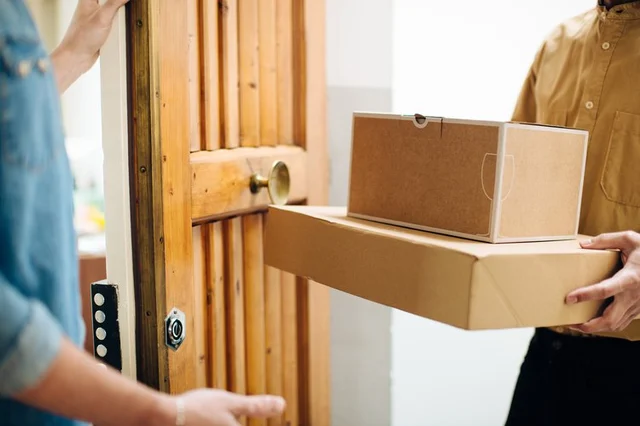
You don't have to accept delivery of a package you didn't request and don't want. UPS provides several options for refusing the package and sending it back to the shipper. Each method is straightforward and, in most cases, requires little time.
You can refuse delivery of the package if you are present when the UPS driver arrives. You also can have an employee or someone else from your place of business refuse the package on your behalf. Inform the driver that you do not want the package and ask for it to be returned to sender. You do not have to sign anything to acknowledge receipt or to confirm that the request to return the package was made.
If you aren't at your workplace when the package arrives, the driver will leave a UPS InfoNotice to let you know about the attempted delivery. This notice provides access to a tracking section on the UPS website, where you can select from four options for the next delivery attempt. These are Will Call, Delivery to Another Address, Reschedule Delivery or Return to Sender. Select the latter to prevent another delivery attempt.
If the UPS driver does not have to obtain a signature for the delivery, he will leave the package at your door in your absence. Do not open it. Instead, call UPS at 1-800-PICK-UPS to let an agent know that you are refusing delivery of the package and wish to return it to the sender. Schedule a time for pickup. You also can drop off the package at a UPS location. You must return the package to the sender within five business days or you will have to call the shipper for authorization.
What if you've sent a parcel to a customer or associate and need to stop delivery? Maybe the intended recipient called with a change of address, or wants to order a different item or back out of the purchase, at the last minute. In such cases, you can intercept the delivery, midpoint. Before it reaches its destination, use your automated UPS shipping or tracking system to return or redirect the package.
UPS does not charge a fee for returns if the package has not been opened. Opening it indicates acceptance and completes the shipping process. UPS drivers cannot accept open packages for returns. Copy the tracking number on the package so you can track its progress back to the sender and prove you returned it.
