


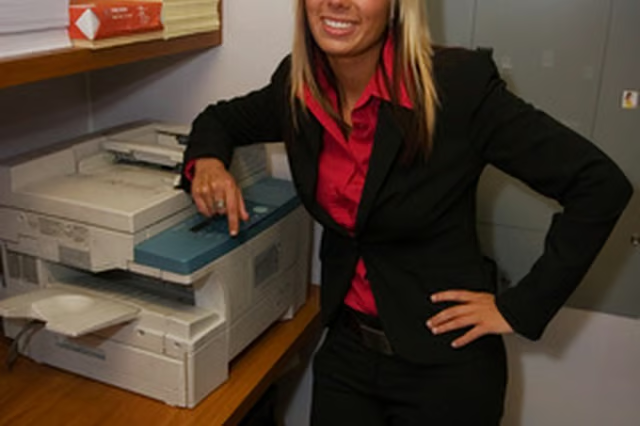
Paper copies protect the original document from damage and allow you to hand out many copies of the same document to many people. Copiers can fit on top of a desk or stand alone, and they are simple enough for virtually anyone to use. Make one or one hundred copies in a short amount of time, to use in your home or business.
Things You Will Need
Copier
Copy paper
Plug in the copier to the electrical outlet. Turn on the power switch. The power switch will be large, distinctive and may have the word “Power” or “On” written on it.
Allow the copier to warm up. This may take a few seconds or a few minutes. The printer will notify you when it is ready by displaying its status on the status bar. It may read “Copier Ready” or “Make Copies Now.”
Load paper into the copier. Do this by pulling out the copy tray. Fill the tray ½ full with paper.
Choose the paper size that matches the paper you are putting in the tray.
Open the lid of the copier. Lay the document on the glass shield, text down. Put the lid down on the copier.
Enter the number of copies you need in the copy box.
Press the “Start” or “Copy” button. Wait for the copies to come out of the copier.
Remove the original document and the copies from the copier.
