


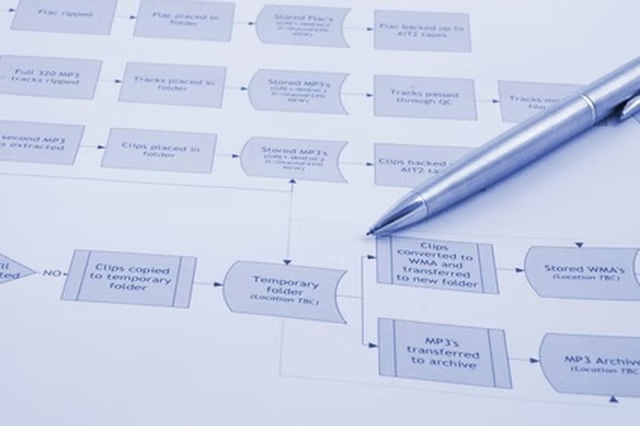
A flow chart is a diagram that lays out the various steps of a process. Flow charts are a useful tool for businesses because this type of document allows individuals to examine a procedure from beginning to end. When it is clearly laid out on paper, the flaws and weaknesses of a system are easier to identify. By adding different options to the flow chart, you can experiment with various actions and explore their possible results before making a decision.
Draw an oval on a piece of paper and write the start point of your flow chart inside this shape. You can simply write “start,” or you can use this area to define the problem or process being explored, such as “Client registering for conference.” Now, draw a rectangle to indicate the next action that will take place. Using the previous example, you may have two possible actions, “Client calls office” and “Client visits online registration.”
Connect the start box with the actions using a straight line with a small arrow at the end. The arrow will point away from the start point, toward the action box to indicate the direction that the flow chart is going in.
Continue the flow chart to include subsequent actions or decisions. Actions will be in rectangles. Decisions will appear in diamonds. After the client calls the office, a decision may be, “Which conference are you registering for?” This will then lead off to the possible conferences and the relevant registration questions for each. An action should only have one subsequent arrow leading away from it while a decision can have many.
Connect each action and decision to the next action or decision throughout the chart. In complicated flow charts, an action may have more than one decision pointing to it, as multiple decisions can result in the same action.
Draw actions and decisions throughout the process of the chart until you arrive at a conclusion. This end point will be contained in an oval, just as the starting point was. You can label it with “Finish” or use a more descriptive phrase such as “Registration complete.” The finish point should always be the bottom-most point on your chart if it progresses downward or the farthest point to the right if the chart progresses from left to right. You can have more than one end point.
Things You Will Need
Paper
Pencil
