


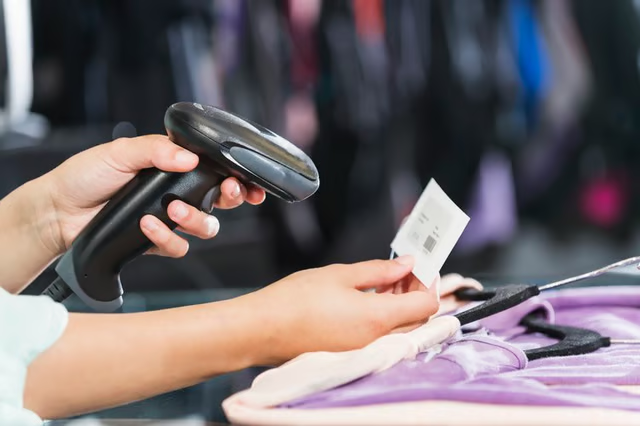
A stock keeping unit (SKU) for a business differs from the universal product code (UPC) visible underneath the barcode on products. Businesses use a SKU internally for inventory management and stocking purposes while a UPC code is used to "universally" identify a product across multiple retailers. To check the SKU number at an individual business, you need access to a point-of-sale or inventory management system in most instances. However, some retailers opt to publish a SKU, or an internal designation that serves the same purpose, on online order pages or receipts.
Wondering if a product in the inventory system at your store already has a SKU? The easiest way to check is through the point-of-sale system. Each system will be different, and some are custom builds, but most feature the ability to scan the UPC code, when available, of an item to pull up the merchandise within the store's inventory. The scan should bring up additional details about the item, including its name, price and any additional information assignments, such as an item number or SKU.
If you are operating a small business, you can set the SKUs for your merchandise based on any criteria you want. Many stores use a consistent naming pattern for products to assist in both inventory management and sorting. For example, SKUs for products in certain departments may start with the same number or letter pattern to indicate a section of the store. The SKU will then narrow more specifically to the item. Each variation of a product, such as a coffee maker in multiple colors, would have a slightly different SKU. A black maker may end with the letter "B" while a green appliance would end with the letter "G."
An inventory management system and some point-of-sale systems allow for management of SKUs and the direct assignment of the unit. In many you can tie one or more SKUs to an UPC code within the point-of-sale system. For example, Amazon.com assigns items with an Amazon Standard Identification Number in addition to the UPC code many products also feature. For a small business creating unique items for sale, the SKU will be the only identifying number.
Not all businesses reveal the SKUs for their products in an easily accessible manner. In some instances, the SKU for certain items, such as appliances, may be featured on tags at the bottom of the merchandise or on a line of a receipt. Some vendors, such as Amazon, Best Buy, Home Depot or Ulta, assign SKUs or a similar unit designation and share those online along with additional details such as in item's UPC code and other identifying information. To find this information, scan the item description for the product you are looking for on a retailer's website and look for an SKU bullet point or a unique identifying number.
