
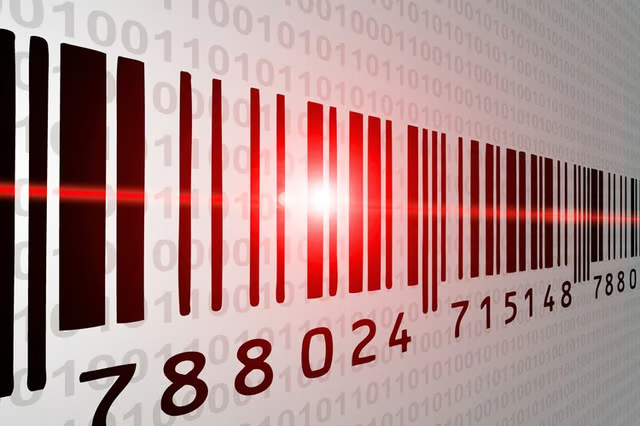
A bar code appears on most products as a series of black bars coupled with a series of numbers. The numbers at the bottom of a bar code represent the data encoded within the symbol. The most common type of bar code used by retailers in the United States is the UPC, Universal Product Code. Bar codes store and communicate information about a product, including the manufacturer, the product name and the price.
Locate the bar code on the product or packaging. Make sure there are no scratches, the stripes are not obscured and the numbers are legible. This will help ensure an accurate reading.
If you are near a computer with an Internet connection, find a UPC database online. Type in all 12 digits of the UPC into the appropriate field. These numbers are found under the bar code and include the small numbers to the far right and left of the symbol. If the product is in the database, the information about it will be displayed. Some online UPC databases will display prices from online retailers who carry that product. If the database does not display the prices, use the other product information provided to locate the product at online retailers.
If you have a smart phone with an integrated camera, such as an iPhone or Android device, download a bar code scanner application. Use the phone's camera to capture an image of the bar code. The bar code scanner application will analyze the image, decode the bar code and return prices from various retailers that offer the product. These applications also integrate with map and browser applications, making it easy to locate the product nearby or buy it online.
Things You Will Need
Computer with an Internet connection
Smart phone with an integrated camera
Tip
Use the smart phone applications in a well-lit area and with a steady hand to ensure a successful image capture.
If you are having trouble focusing the camera, pull the phone back then move it forward until the bar code comes into focus.
Warning
Bar codes outside the United States or on foreign products may not be successfully decoded with these instructions. The number formats and databases could be different.
