
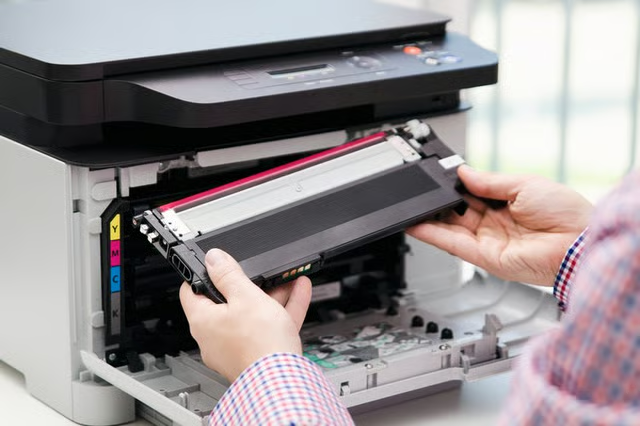


Toner is a black powder used in laser printers and copiers to produce text and images. These cartridges will eventually need to be emptied of waste toner before being refilled. Your computer will send out a prompt when the cartridges need to be emptied and refilled. You can empty the cartridge yourself with the proper safety precautions.
Remove the cartridge from the printer. Open the access door and lift the plastic clip that holds the cartridge down inside the printer. Lift the cartridge straight up out of its seat on the bar.
Unclip the plate on the side of the cartridge. Pull out the plastic pegs that hold the toner container to the cartridge case and separate the case and container.
Unscrew the two screws holding the plate onto the toner container. Hold the cartridge with two hands inside the plastic bag. Turn the cartridge over and carefully empty the waste toner into the bag. Try not to shake the cartridge around to avoid making a cloud of toner.
Refill the cartridge according to the manufacturer's instructions and reassemble it inside the case. Put the cartridge back into the printer and snap it into place.
Things You Will Need
Screwdriver
Plastic bag
