


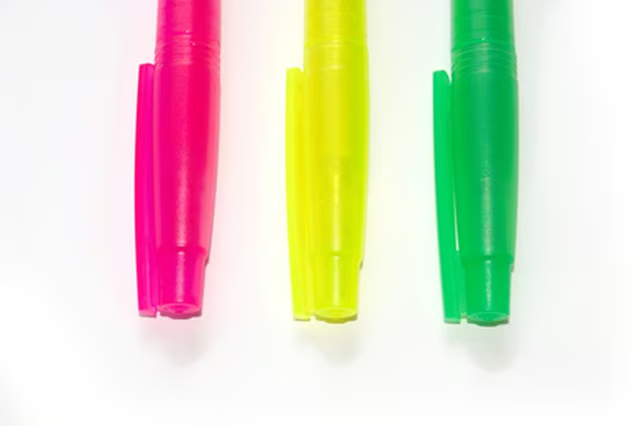
Highlighter pens are designed differently than regular ink pens. With most regular ink pens, you can easily take the pen apart to access the ink reservoir. Highlight pens are sealed more tightly--to keep the highlighter ink from spilling or drying out. If you want to remove the ink from a highlighter pen, though, you can do it with the proper tools.
Things You Will Need
Towel
Rubber-coated pliers
Craft knife
Tweezers
Lay your highlighter pen on top of a towel so that if any ink spills, you won’t stain your work surface.
Examine your highlighter pen to find the end cap. The end cap can be either an obvious twist-style cap or can be designed to blend in with the pen barrel and simply appear like an indentation.
Grasp the end cap with a pair of rubber-coated pliers and twist the cap from the pen barrel if the cap is a twist-style cap. If it’s not, then insert the narrow tip of the craft knife between the seam where the end cap and pen barrel meet. Rock the craft knife back and forth slowly to pry the end cap out of the pen barrel.
Insert the tweezers into the pen barrel, grasp the ink reservoir with them and pull it out.
Tip
Some manufacturers might glue the end cap onto the pen barrel. If that is the case, gently scrape off the glue before you pry off the end cap.
Warning
Be careful when trying to pry the end cap from the highlight pen because you could hurt yourself with the craft knife or damage the highlighter pen.
