


ViewSonic projectors operate on AC power without the use of an adapter to convert the power supply to DC. This eliminates AC/DC adapter failure as a possible cause of problems. Because projector lamps get hot, ViewSonic projectors include cooling fans which run for a time after the lamp is turned off. This operation can be misinterpreted as a power problem—pressing the “Power” button doesn’t shut the power down. This and other power-related issues can be identified by troubleshooting.
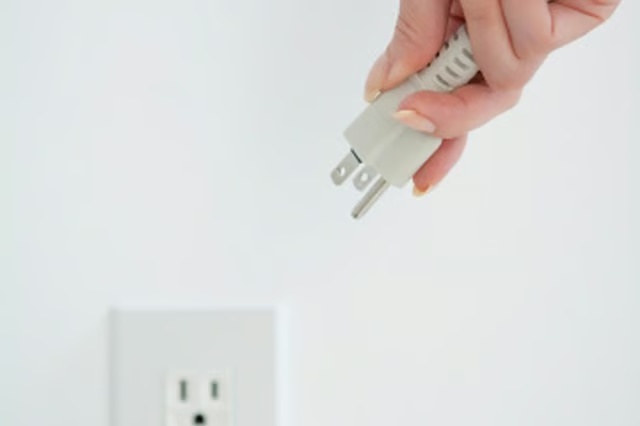
Check that the power cable is connected securely to both the projector and the wall, if the power won’t turn on. Press the power button again and hold it down for a few seconds. If you continue to have problems turning the ViewSonic projector on, unplug the power, try another outlet and press “Power” again.
Look for lights on the projector. Illumination indicates power is supplied and that there isn’t a power failure. Take the lens cap off, or make sure the lens cover is open, if the screen won’t illuminate with the presentation.
Look at the LED lights on the display for errors. A solid green power light and a solid red power light indicate that the fan has failed and will not cool the projector. For safety reasons, the projector will not power up in that case—service the projector.
Change the batteries in the remote control if its power button fails to turn on the projector. Remove the battery cover and insert new batteries ensuring the positive (+) and negative (-) icons are properly aligned. Make sure nothing’s blocking the remote. Point it at the projector, not the screen.
Allow the ViewSonic projector to cool down after use. Pressing the “Power” button turns off the lamp, but the fan continues to run. This is a normal part of the cooling process, not a power failure. Don’t unplug the power cable to force a shutdown.
